Your reception
welcomes by name
Sarah, the office manager of a coworking space in Manchester, schedules the welcome for Acme Corp 5 minutes before they arrive — from her phone. The screen on Meridian Room shows BUSY UNTIL 11:30, reading Outlook 365 in real time. Q1 sales KPI (+18 %) rotates in the lobby with nobody touching IT.
Free first screen forever · No credit card · 5 min on air
BUSY UNTIL 11:30
Visit: Acme Corp · 10:30 · Room 2 · Sarah meeting you
What your lobby shows
from day one
Reception, rooms, KPIs, internal comms. Each screen with its own script, all from one panel.
Named welcome
"Hi Acme Corp · Sarah meeting you · Room 2 · 10:30." The screen greets 5 min before arrival, nobody at reception needs paging.
Real-time availability
Syncs Google Calendar or Outlook 365. Every door shows FREE / BUSY UNTIL 11:30 with the organiser. Goodbye paper post-its.
Power BI / Looker dashboards
Q1 sales, NPS, tickets resolved, quarterly OKRs. Any public URL or secure iframe with auto-refresh every minute.
Internal communications
Today's birthdays, new hires, Thursday all-hands, CEO video. Reaches people who never open Slack either.
Multi-zone per floor
Reception with visitors + café with sales KPI + training room with day's agenda. Each screen on its own job, one back office.
1-click emergency override
Fire drill, weather alert, urgent CEO message: one button forces the same message across every screen in every site.
Reception €9 · Multi-site
from €199
Small office: Starter €9/month, the reception screen. Mid-size office (reception + café + training room): Pro €19. Multi-site corporate (London + Manchester + Dublin) with per-office-manager permissions: Network €199.
No card · Cancel anytime · See all plans
Where the screen goes
in the office
An office informs visitors, coordinates the rooms and aligns the team. Each screen works a zone, and all of them from one panel.
Reception
The welcome to the visitor by name and company ("Welcome, Acme Corp · Meeting Marta · Room 2 · 10:30"), five minutes before the meeting. It gives the image of a company that looks after the detail from the moment the client walks in.
Meeting-room doors
The real-time availability synced with Google Calendar or Outlook 365: each door shows FREE or BUSY UNTIL. It ends the dance of opening rooms to see if they are taken and the double-booking of the same slot.
Team areas
The Power BI, Looker or Google Sheets dashboards — quarterly sales, NPS, tickets resolved, OKRs — on any screen. The numbers in view align the team without calling another status meeting.
Common areas
Internal comms: the day's birthdays, new joiners, Thursday's all-hands, the CEO video. It builds culture and reaches everyone, including those who do not read email, and with one button you force the emergency notice across every screen.
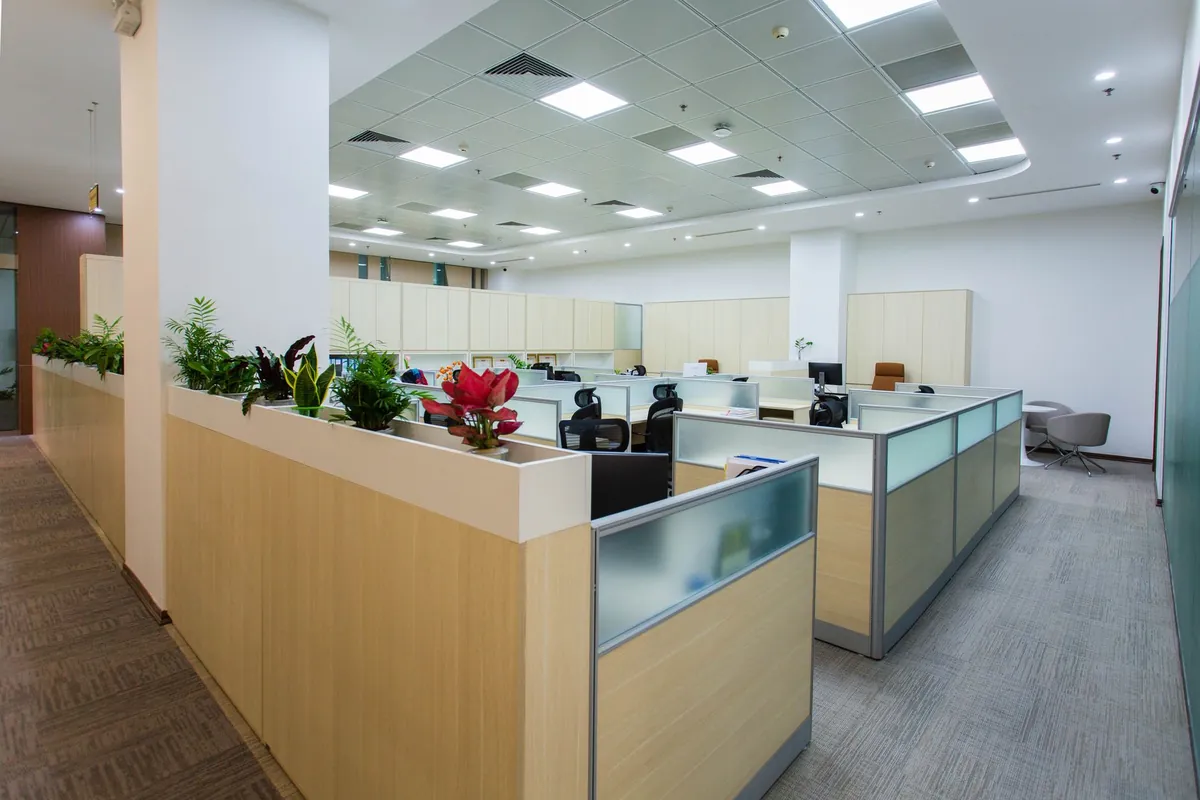
Greet the visitor, free the rooms,
align the team
An office runs better when the visitor feels expected, the rooms are seen at a glance and the team has the numbers in front of it. The screen does all three.
The statutory poster stays on the wall, and saying so is worth more than pretending otherwise. The health and safety law poster, the employers' liability certificate and the fire procedure are paper obligations, and a screen does not discharge them. What the screen does replace is the rest of that noticeboard — the memo from March, the flyer for an event that already happened, the floor plan from before the move. Those are the parts nobody updates and everybody stops reading.
Hybrid days changed the question people ask at the door. It used to be «is there a room free»; now it is «who is actually in». A commute is justified by the people, not the desk, and the screen that shows today's attendance does more for office return than any policy email asking staff to come back. It is also the only version of that information that is true at nine in the morning rather than when the spreadsheet was last saved.
And individual metrics on a wall are a people decision before they are a dashboard decision. The moment a board attributes numbers to a named person, it stops being information and starts being a performance review with an audience. Team figures do the motivating work without that cost: the quarter target, deals closed, tickets cleared as a total. Almost every team that starts with a leaderboard ends up here anyway, usually after one uncomfortable Friday.
To be straight with you: the screen does sync with Google Calendar and Outlook 365 for the rooms, and shows Power BI, Looker, Tableau or Google Sheets via their public URL or iframe. What we do not do is manage your CRM or your data: we show what you already have published. If you display visitor names or employee data, the GDPR responsibility for what is shown is yours.
«There is never a free room.»
Walk the floor at eleven and half of the booked ones have nobody in them
The shortage is real to everyone and almost never real in the building. What exists is a booking system full of standing weekly slots that stopped being attended months ago, holds placed «just in case» by someone who then worked from home, and meetings that ended twenty minutes early with the room still marked busy until the hour. Nobody is behaving badly. The system simply has no way of noticing that a room is empty, so it keeps defending a reservation that nobody wants any more.
Adding rooms does not fix this, and it is usually the first thing proposed. A new room joins the same pool and fills with the same ghost bookings within a term. What changes the picture is a small display at each door showing the actual state — booked, free now, free from — combined with one agreed rule: a slot nobody confirms in the first ten minutes goes back to the pool. The screen is what makes the rule enforceable without anyone having to police it, because the release happens in public and the next person can see the room is genuinely available.
The measurable effect is not more meetings, it is fewer of a specific kind of conversation. The «we need more space» discussion, which recurs annually and occasionally becomes a lease negotiation, tends to quieten down once the same floor demonstrably has capacity at eleven on a Tuesday. That is worth knowing before signing for more square metres, and it is the sort of thing an office only finds out by looking, because everyone's honest impression is the opposite.
The rule needs agreeing rather than announcing, or it produces its own workaround. Imposed from above, people learn to tap «confirm» on the way past and carry on not using the room, which restores the original problem with an extra step. Decided together — including by the people whose recurring slots are the ones at stake — it tends to hold, mostly because the person releasing a room they no longer need is not losing anything they were actually using.
To be straight about it: we display room status from the calendar you already use, and we do not run your bookings or free anything up ourselves — the release rule lives in your booking tool and in what your team agreed. What the screen does is make the state visible at the door, which is the only place the information ever mattered.
What office managers
ask us most
Your reception can greet Acme Corp
this afternoon at 16:30.
Free first screen forever. No credit card. Sarah syncs Calendar in 5 minutes.
Start free14-day trial on paid plans · Cancel anytime
Take the button via email
We'll send a 1-click link to create your account whenever you want. No password, no card, no commitment. Your first screen FREE forever.
No spam. Just the link — you decide when to come in.